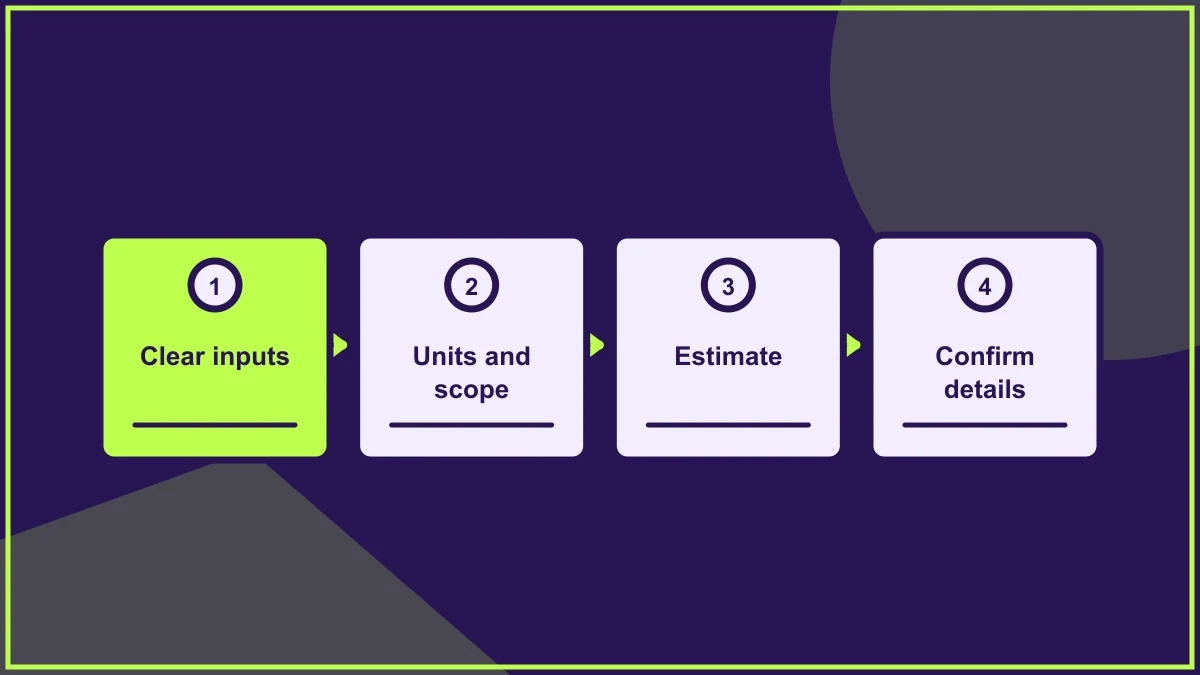
Designing a website around customer questions
Organise your website around the questions people ask while researching, comparing and taking action, then test whether answers are findable.

Designing around customer questions means organising pages by what people need to know before they can act. It is more useful than starting with internal departments or a list of features. Gather real questions, group them by decision stage and make the answers easy to find.
Collect questions from real conversations
Talk to the people who answer enquiries, handle support and explain services. Ask which questions come up repeatedly and which misunderstandings delay a decision. Review search terms on the existing site, form messages and feedback where available. Do not assume that internal terminology is the wording customers use.
Record the context of each question. "How much does it cost?" might mean a fixed price, an estimate, what changes the price or whether payment is due now. The page should answer the underlying concern, not merely repeat the question as a heading.
Group questions into journeys
Some questions help people understand the problem. Others compare options or reduce the risk of taking action. Map these stages before deciding which pages to create. A service overview might answer who the offer suits, while a detailed service page explains scope and process. A contact page should explain how to get a tailored answer.
Use navigation labels that match visitor language. If two services are often confused, explain the difference rather than placing them in separate menu categories and hoping people will work it out. A user journey map can make the gaps visible.
Design answers at the right depth
Give a direct answer near the top of the relevant page, then provide detail for readers who need it. Short summaries, descriptive headings and examples help visitors scan. A large FAQ page can be useful, but it should not become a dumping ground for questions that belong on product or service pages.
Show the next sensible step after an answer. Someone reading about eligibility may need to check requirements; someone comparing services may need a side-by-side explanation. Do not force every journey toward the same contact button.
Test and maintain the structure
Ask a few people unfamiliar with the site to find answers to common questions. Observe where they look and which labels mislead them. Rewrite pages or navigation based on what you learn. Once the site is live, assign owners to keep answers current, especially where prices, availability or processes change.
The aim is not to predict every possible question. It is to make the most important answers clear and give visitors a reasonable route when their situation is different.
Frequently asked questions
Should every customer question become its own page?
No. Group related questions where one page can answer them well. Create a separate page when the topic needs enough depth or serves a distinct journey.
Where do we find questions if the business is new?
Use early conversations, competitor category research and interviews with likely customers, then validate assumptions as enquiries arrive. Treat your first list as a working hypothesis rather than established customer evidence.
Can we keep a FAQ page as well?
Yes. Use it for cross-cutting questions and link to fuller answers. Do not hide essential service details there. Review the page as new questions appear and old answers become outdated.
HELP US IMPROVE
Was this article useful?
Your feedback helps shape future coverage.